
Table of Contents
Don't have the time to read the entire post? Our human writers will be sad, but we understand. Summarize the post with your preferred LLM here instead.
Hey Descopers! Earlier this year, we announced the Descope MCP Server, a hosted MCP server that gives agents the ability to read documentation, inspect your project configuration, manage users and tenants, configure authentication flows, review audit logs, and make changes to your identity infrastructure, all through natural language.
Today, we're excited to share that the Descope MCP Server is now available as a Claude Connector and a ChatGPT Plugin!
These listings give you a native way to connect to the Descope MCP Server using Claude and ChatGPT, saving you time and allowing your admin to configure the Descope MCP Server organization-wide.
Bringing Descope to your AI agents
Under the hood, the Descope MCP Server exposes 23 tools, each named for the identity object or function it operates on.
By default, access is read-only, and Claude and ChatGPT can natively escalate and ask the user to elevate their permissions when needed.
Tool | Purpose | Access |
|---|---|---|
list_operations | Discover the full operation catalog; list all operations by bucket, or fetch the input/output schema for a specific operation | Not applicable |
session | Manage session context: switch projects, check current identity, generate onboarding plans, and elevate to write mode | Not applicable |
project_read | View project configuration including JWT templates, lists, snapshots, and messaging localization | Read |
project_write | Update project settings, clone projects, manage JWT templates, lists, Descopers, and messaging localization | Write |
access_control_read | Query FGA schemas, roles, permissions, ReBAC relations, and run authorization checks and dry-runs | Read |
access_control_write | Create and update FGA schemas, roles, permissions, and relations; manage backups and resource details | Write |
agentic_read | View MCP server definitions, clients, and client secrets | Read |
agentic_write | Create, update, and delete MCP servers and clients; rotate client secrets | Write |
audits_read | Search audit events and analytics | Read |
auth_keys_read | View access key details and password settings | Read |
auth_keys_write | Create, search, and manage access keys; configure password settings; update JWTs; and impersonate users | Write |
flows_read | View flows, flow templates, themes, flow localization, and widgets | Read |
flows_write | Import and manage flows, themes, and flow localization; apply project themes | Write |
tenants_read | View tenants, tenant settings and SSO admin link state | Read |
tenants_write | Create and manage tenants, tenant settings, default roles and SSO admin links | Write |
connect_read | View SSO settings, IDP apps, inbound apps, outbound apps, and third-party apps | Read |
connect_write | Create and manage SSO applications (OIDC, SAML, WS-Fed), inbound/outbound apps, and SSO tenant settings | Write |
tests_read | Search test users | Read |
tests_write | Create and delete test users; generate test OTPs, magic links, and enchanted links | Write |
users_read | View user records, custom attributes, group membership, trusted devices, and auth history | Read |
users_write | Create, update, and delete users; manage credentials (passwords, passkeys, TOTP), and custom attributes | Write |
docs_search | Semantic search across Descope documentation and SDK references | Read |
docs_ask_question | Ask natural-language questions about Descope and get answers grounded in official documentation | Read |
Supported platforms
The Descope MCP Server listings currently support the following products natively:
Anthropic
Claude.ai (Web Client)
Claude Desktop
Claude Cowork
Claude Code
Claude Mobile
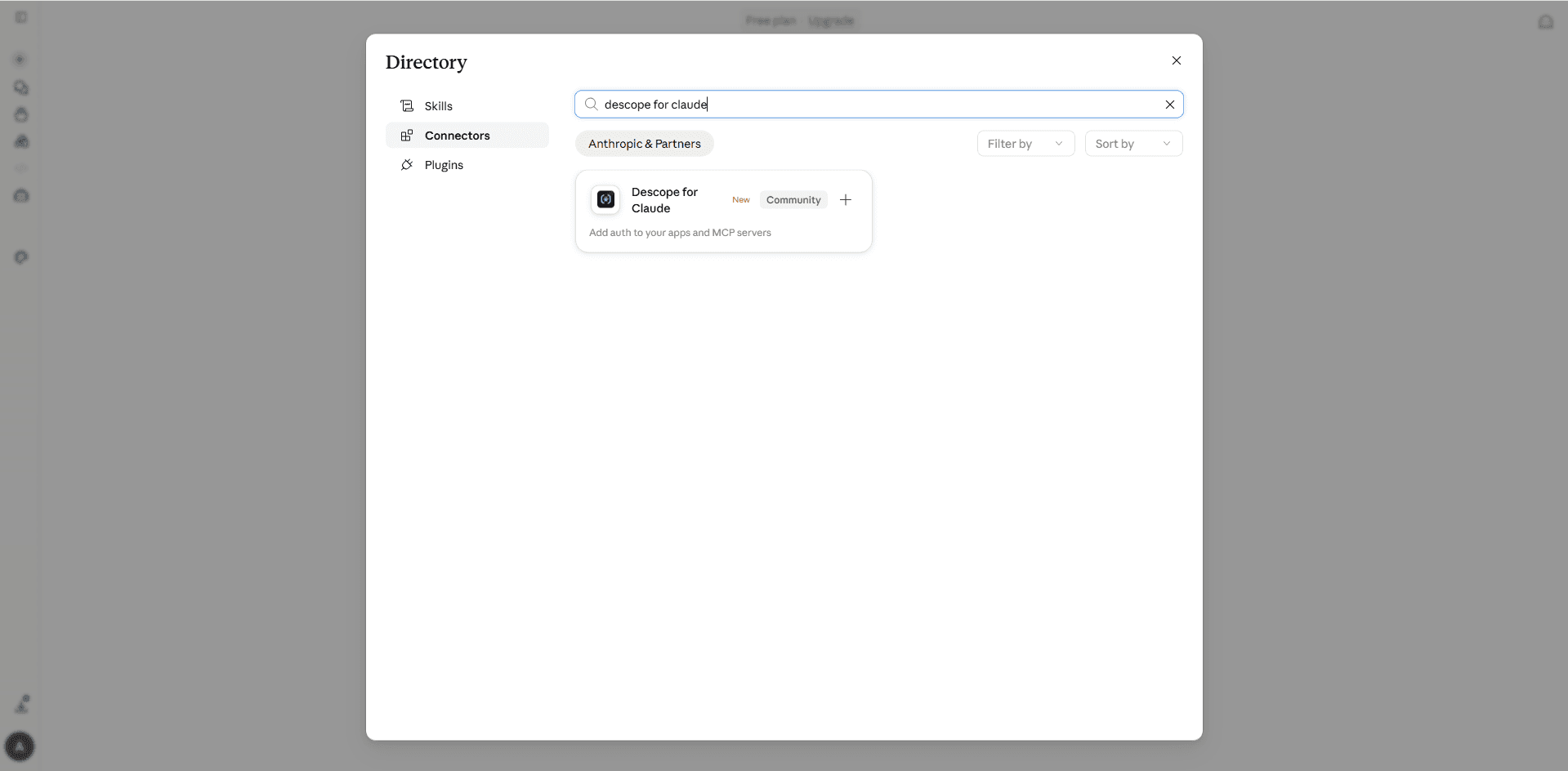
To add the Descope Connector for Claude, create a new conversation, then click the “Plus” button -> Connectors -> Add connector -> Browse connectors -> Search “Descope” to find the Descope for Claude connector.
OpenAI
Connecting with OpenAI requires a valid Plus, Pro, or Team ChatGPT plan. The Descope MCP Server is available on:
ChatGPT.com (Web Client)
ChatGPT Mobile
ChatGPT Desktop
ChatGPT Work
Codex
To add the Descope Plugin for ChatGPT, Go into Settings -> Plugins -> Browse Plugins -> Search “Descope”.
To complete your MCP server connection with either Claude or ChatGPT, you’ll be directed through auth and consent journeys. If you already have a Descope account, you can select which tenant to grant access for. If you don’t have an existing Descope account, you can create one while you connect with the MCP server.
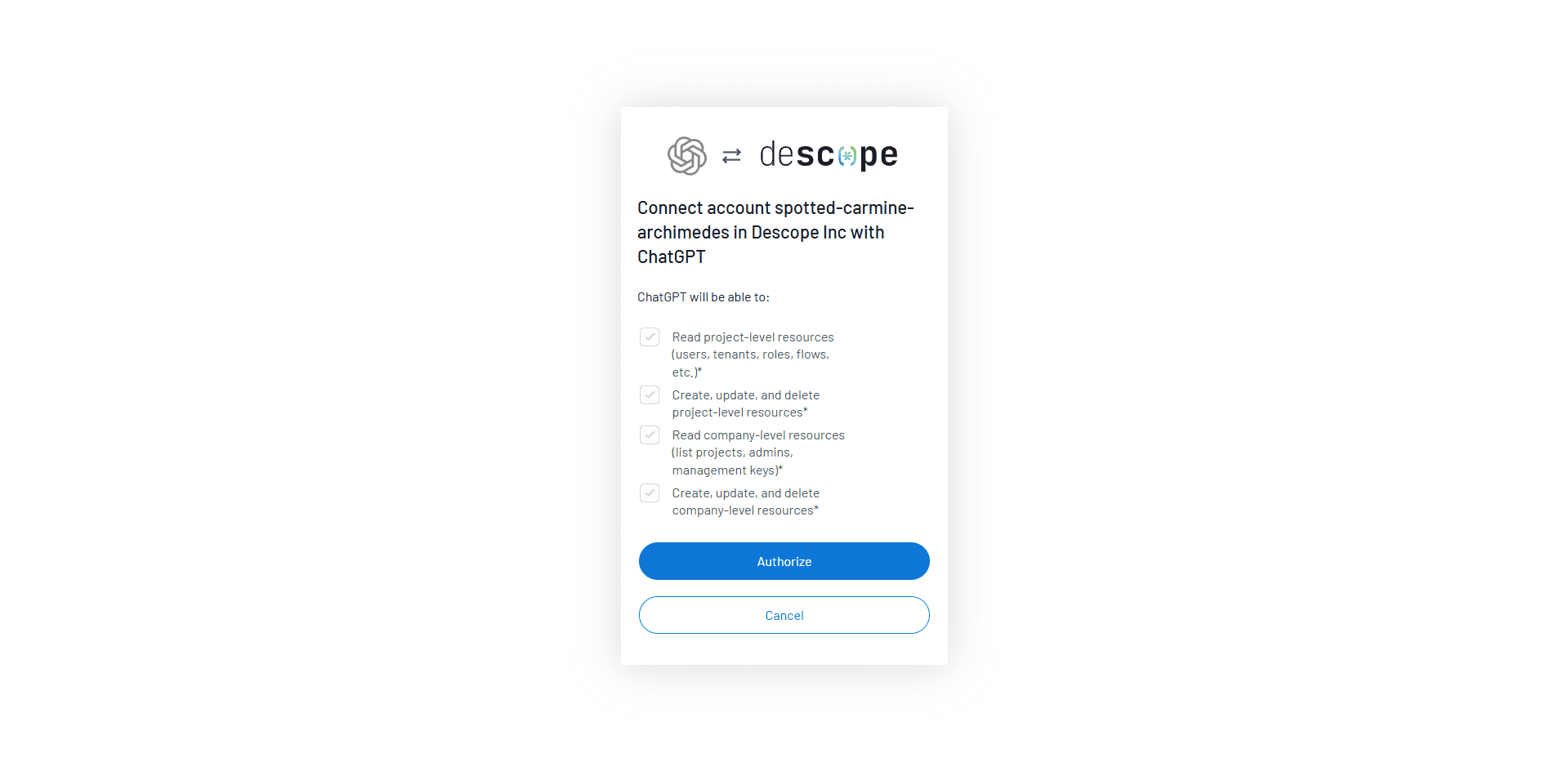
Outside of these native integrations, you can always connect the Descope MCP Server to an agent with ease. See our documentation on specific guidance for agents outside of the Anthropic and OpenAI ecosystems.
What’s next
As an agent-ready identity provider, we’re always looking for ways to best enable AI agents on our platform. We’ll continue exploring native integrations, skills, and improvements to our MCP Server to best enable agents to help you continue to build moderns, smooth, and secure user and agent journeys in your applications.